What Is an AI API Gateway? How One Endpoint Routes 250+ Models
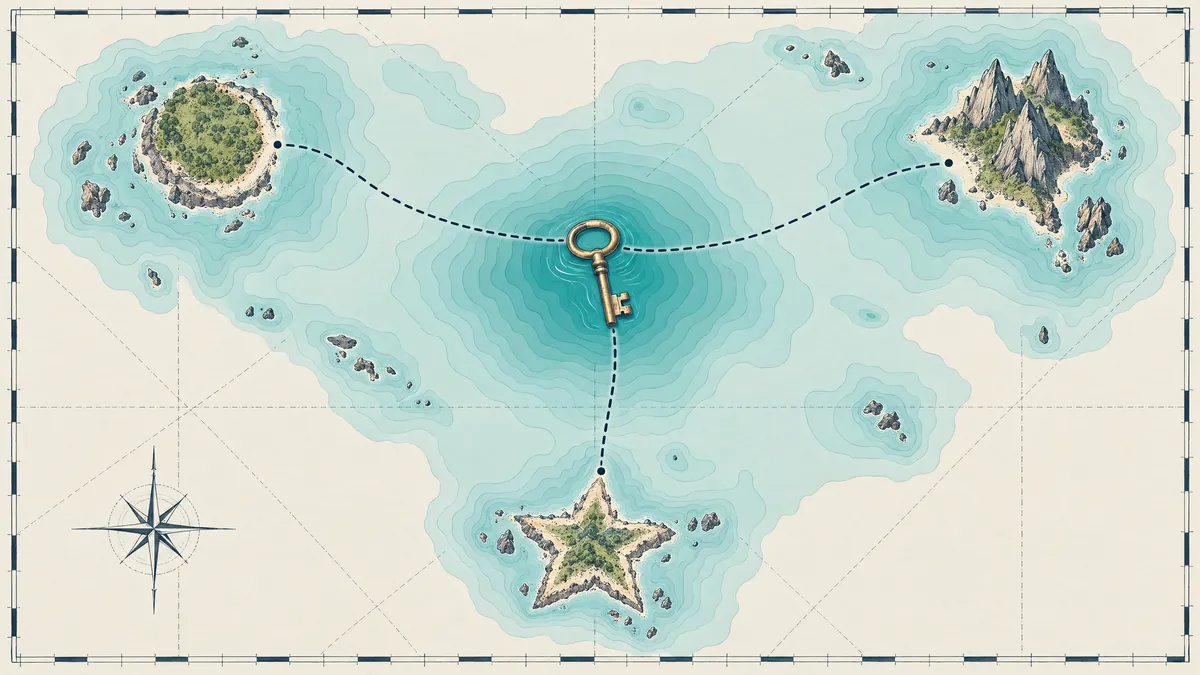
An AI API gateway sits between your application and multiple AI providers, giving you one place to authenticate, select models, and track usage.

An AI API gateway sits between your application and multiple AI providers, giving you one place to authenticate, select models, and track usage. Instead of integrating every provider separately, your application sends requests through a shared interface that routes them to the selected model. APISea applies this pattern to 250+ chat, image, video, and audio models through one API key and an OpenAI-compatible base URL: https://api.apisea.ai/v1.
What an AI API gateway actually does
An AI API gateway combines three functions that otherwise tend to be scattered across your application.
Model aggregation makes models from multiple providers accessible through a shared service. APISea’s catalog includes models from OpenAI, Anthropic, Google, xAI, DeepSeek, Alibaba, ByteDance, Kuaishou, MiniMax, Black Forest Labs, and more.
API normalization provides a common request surface where appropriate. For chat, an OpenAI-compatible interface lets you reuse familiar client code while changing the selected model. That reduces integration work, but it does not make every model’s capabilities or behavior identical.
Unified authentication and billing replaces separate gateway-facing credentials and balances with one API key and one account. APISea uses USD pay-as-you-go billing, bills only successful requests, requires a minimum top-up of $50, and does not expire credits.
This is different from a prompt library or an application framework. A gateway operates at the request boundary: your application submits a request, the gateway authenticates and routes it, and the selected provider performs the model inference.
It is also not necessarily a load balancer that automatically chooses the best model. Explicit model selection, fallback policies, and automatic routing are separate capabilities. Do not assume that using one endpoint includes automatic failover.
The integration problems a gateway solves
A single-provider prototype can be straightforward. The overhead appears when you add a second chat model, an image generator, and a video workflow.
Each direct integration may bring another account, API key, SDK, request format, error vocabulary, and invoice. Your team then has to maintain those differences while keeping business logic readable.
| Concern | Separate provider integrations | Gateway approach |
|---|---|---|
| Authentication | Manage credentials for each provider | Use one gateway key |
| Client code | Maintain provider-specific clients and adapters | Reuse a common interface where supported |
| Model selection | Switch clients or integration paths | Change the model identifier for compatible requests |
| Billing | Reconcile multiple balances and invoices | Track gateway usage through one account |
| Failover | Build cross-provider orchestration yourself | A shared interface simplifies fallback implementation; automatic failover must be verified |
| Access | Check each provider’s account and regional requirements | Evaluate the gateway’s availability, terms, and geographic restrictions |
| Provider-specific features | Native access to each provider’s API | Verify compatible and native endpoint coverage |
The practical benefit is less infrastructure code around model calls. A product team can compare models without first maintaining several independent integration paths.
Regional access still requires due diligence. A gateway changes the integration entry point; it does not remove legal restrictions, guarantee availability in every country, or satisfy data-residency requirements automatically.
Similarly, unified billing simplifies reconciliation but does not replace application-level cost attribution. If you need usage by customer, project, or feature, record those identifiers in your own operational systems.
How a request moves through the gateway
A typical synchronous chat request follows this path:
Client → gateway authentication → model routing → provider inference → response
1. Your client sends a request
The application uses the gateway base URL and supplies its API key through:
Authorization: Bearer <APISEA_API_KEY>
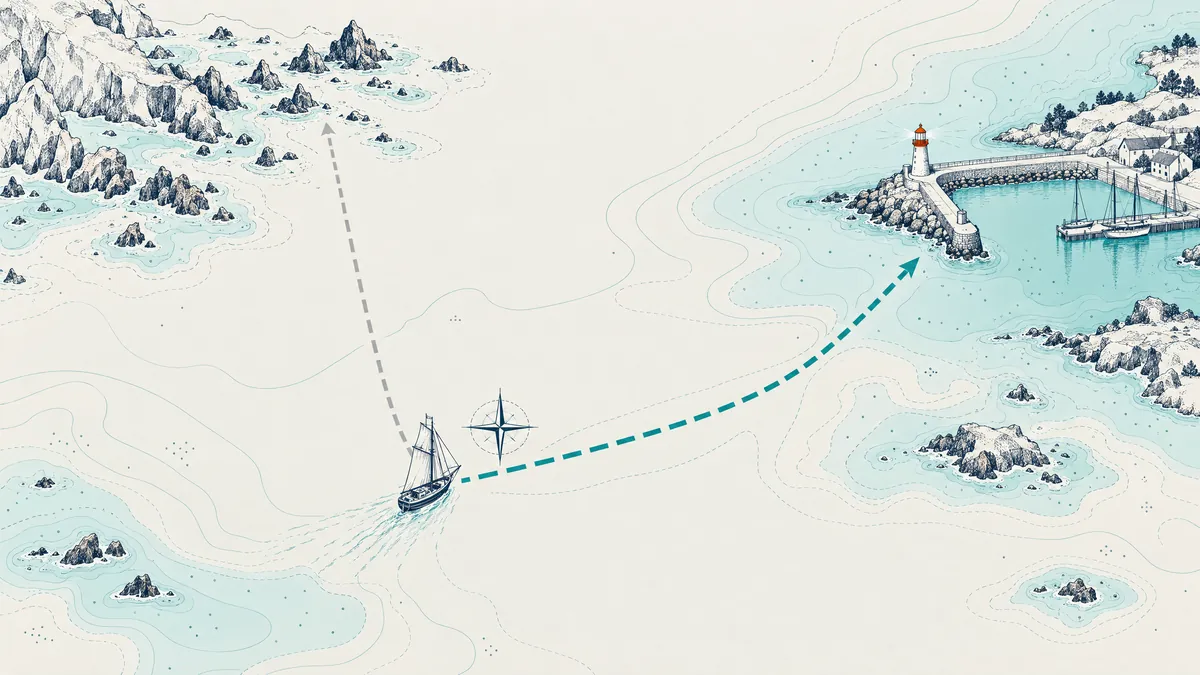
The request identifies the model. That identifier is the routing decision: a request for gpt-5.5 selects a different model than a request for deepseek-v4-pro.
Keep the API key on a trusted server rather than embedding it in browser code or a public mobile application.
2. The gateway authenticates and routes it
The gateway validates access and directs the request to the selected model’s provider. For compatible interfaces, this gives your application a stable API surface even when the destination provider changes.
Compatibility is not the same as identical functionality. Check the model documentation before moving requests that depend on provider-specific features.
3. The provider generates the result
The selected provider performs inference. Model selection still matters: a common endpoint does not equalize output quality, input limits, or pricing.
Evaluate candidates using representative prompts from your own application. Measure task success, output usefulness, and total cost rather than assuming that a higher price or larger input limit guarantees a better result.
4. The gateway returns the response and meters usage
For a synchronous call, the response returns through the gateway. When streaming is supported for the selected endpoint and model, generated output can flow back incrementally rather than arriving only after completion.
Check streaming behavior explicitly during evaluation, including cancellation and errors after output has started. Do not assume that all modalities or native protocol features stream the same way.
APISea bills only successful requests. Separately, define how your application handles a request that completed remotely but whose response was lost during a connection failure; a blind retry can produce another result and additional usage.
Switch chat models without changing clients
Start by checking the available model list:
curl "https://api.apisea.ai/v1/models" \
  -H "Authorization: Bearer $APISEA_API_KEY"
This calls GET /v1/models. Use the catalog and relevant model pages to verify identifiers before adding them to application configuration.
For chat, the official OpenAI Python SDK can point at APISea’s OpenAI-compatible base URL. Install the openai package and set APISEA_API_KEY in your server environment.
import os
from openai import OpenAI

# APISEA_API_KEY contains your key; shell examples use $APISEA_API_KEY.
client = OpenAI(
    api_key=os.environ["APISEA_API_KEY"],
    base_url="https://api.apisea.ai/v1",
)

def summarize(text: str, model: str) -> str:
    response = client.chat.completions.create(
        model=model,
        messages=[
            {
                "role": "user",
                "content": f"Summarize this text in three sentences:\n\n{text}",
            }
        ],
    )
    return response.choices[0].message.content or ""

text = "The team is comparing models for a document-summary workflow."

print(summarize(text, model="gpt-5.5"))
print(summarize(text, model="deepseek-v4-pro"))
Both calls use the same client, credentials, and request structure. Only the model string changes.
That is useful for controlled comparisons. Keep the prompt and input constant, then compare the responses against a rubric relevant to your product. Record the selected model alongside each result so you can reproduce failures.
Do not immediately turn this pattern into “retry every failure on another model.” Distinguish invalid requests from transient failures, bound retries, and decide whether different model behavior is acceptable for the task.
Compare models by price and workload
The following APISea chat prices provide a starting point for cost planning. They are not quality rankings.
| Model | Provider | Input price | Output price | Cached input price | Max input |
|---|---|---|---|---|---|
gpt-5.5 | OpenAI | $4.40 per 1M tokens | $26.40 per 1M tokens | $0.44 per 1M tokens | 922,000 tokens |
claude-sonnet-4-6 | Anthropic | $2.64 per 1M tokens | $13.20 per 1M tokens | $0.264 per 1M tokens | 1,000,000 tokens |
gemini-3.5-flash | $1.32 per 1M tokens | $7.92 per 1M tokens | $0.132 per 1M tokens | 1,048,576 tokens | |
deepseek-v4-pro | DeepSeek | $1.13 per 1M tokens | $3.39 per 1M tokens | $0.1131 per 1M tokens | 1,000,000 tokens |
Estimate input and output costs separately. A short prompt that produces a long response has a different cost profile from a large document that produces a short summary.
Treat cached-input prices as a distinct rate, not a discount you can assume applies to every request. Verify cache eligibility and behavior in the docs.
These are gateway prices. Comparing them with direct-provider list prices requires current, like-for-like information about model versions, billing units, caching, and any negotiated discounts. Check APISea pricing rather than inferring a markup or savings percentage from incomplete comparisons.
Chat and media need different request lifecycles
A shared gateway does not mean every operation should behave like a chat completion.
Synchronous chat
A synchronous chat request returns through the active request connection. Your application must handle timeouts, errors, and, where supported, streamed output.
APISea also exposes native protocol options. claude-sonnet-4-6 supports the native Anthropic Claude Messages protocol at POST /v1/messages; that endpoint also accepts Anthropic-style x-api-key authentication. Native Gemini format is available at /v1beta/models/{model}:generateContent.
Choose an interface based on the features your application needs, not just the SDK you already have installed.
Asynchronous image, video, and music jobs
APISea’s asynchronous image, video, and music jobs return a task_id. Your application then polls:
GET /v1/tasks/{task_id}
For example, after submitting a job through its documented model endpoint:
# Replace this with the task_id returned by your submission.
TASK_ID="your-task-id"

curl "https://api.apisea.ai/v1/tasks/${TASK_ID}" \
  -H "Authorization: Bearer $APISEA_API_KEY"
Use the relevant model documentation for submission parameters and response fields rather than assuming a chat-shaped request.
Two media models illustrate the different capabilities and billing units:
| Model | Workflow | APISea prices |
|---|---|---|
seedream-5-5 | Asynchronous image generation from text or up to 10 references; transparent backgrounds; configurable layers with text OCR | Default $0.0308 per image; 1K $0.0176 per image; 1K-layer $0.0176 per image; 2K $0.0308 per image; 2K-layer $0.0308 per image |
veo3.1-fast | Asynchronous video processing that returns a task ID | 1080P $0.1031 per second; 4K $0.2475 per second; 720P $0.0825 per second |
Persist the task ID before polling. Use bounded polling with backoff, and keep job submission separate from status checks. If your worker restarts, it should resume tracking the existing job rather than submit a duplicate automatically.
What to evaluate before choosing a gateway
A useful evaluation goes beyond whether one demonstration request succeeds.
Coverage and compatibility
Confirm the exact model IDs you need, their available interfaces, and any feature differences. Test your real request shapes, including large inputs and malformed requests.
“250+ models” describes catalog breadth. It does not establish that every model supports the same parameters or response behavior.
Pricing and billing
Look for explicit units: tokens, images, or seconds. Check input versus output rates and cached-input pricing.
APISea’s success-only billing is a concrete billing rule, but ask how edge cases are classified, especially interrupted streams and uncertain network outcomes. Include the $50 minimum top-up in procurement planning; credits never expire.
Streaming and rate limits
Verify streaming with your actual client and deployment path. Proxies and application servers can affect how incremental responses reach users.
Ask about rate limits, concurrency, and retry guidance. No specific limits or latency commitments are established here, so do not design production capacity around assumed numbers.
Data handling and documentation
Review retention, logging, deletion, and provider data-processing terms before sending sensitive information. A shared endpoint does not itself establish a retention policy.
Check that the docs explain authentication, errors, model-specific parameters, and asynchronous task handling. Clear documentation reduces the number of integration assumptions your team must maintain.
When a gateway is not the right choice
A direct integration may be preferable if you use one provider under an enterprise contract with negotiated pricing, dedicated support, or contractual features that must apply directly to your workload.
Strict data-residency requirements can also determine the architecture. If policy requires processing and storage in specified locations, verify the complete path, including the gateway and provider. Do not treat endpoint consolidation as evidence of compliance.
Finally, a gateway adds another operational dependency. Weigh reduced integration work against that dependency, and keep model selection behind a small internal interface so your application remains adaptable.
Key takeaways
- An AI API gateway consolidates model access, authentication, and billing without making models identical.
- APISea offers one OpenAI-compatible base URL and one key for 250+ models.
- Compatible chat calls can switch models by changing the model string.
- Asynchronous media jobs return a
task_idand are polled separately. - Verify pricing, streaming, rate limits, data handling, and fallback behavior before production use.
Create an account at APISea and top up from $50 to test your first integration.